Focus for YouTube / Block YouTube channels
Block YouTube channels you are done with.
Add a channel to your blocklist and it stops showing up. Add it from the video you are watching, or by link, @handle or name.
Free Chrome extension. No account, no analytics, everything stays in your browser.

YouTube only lets you ask for less of a channel.
YouTube’s own button only nudges what it suggests next. It does not stop you landing on the channel from a link, and it is no help when a channel keeps coming back.
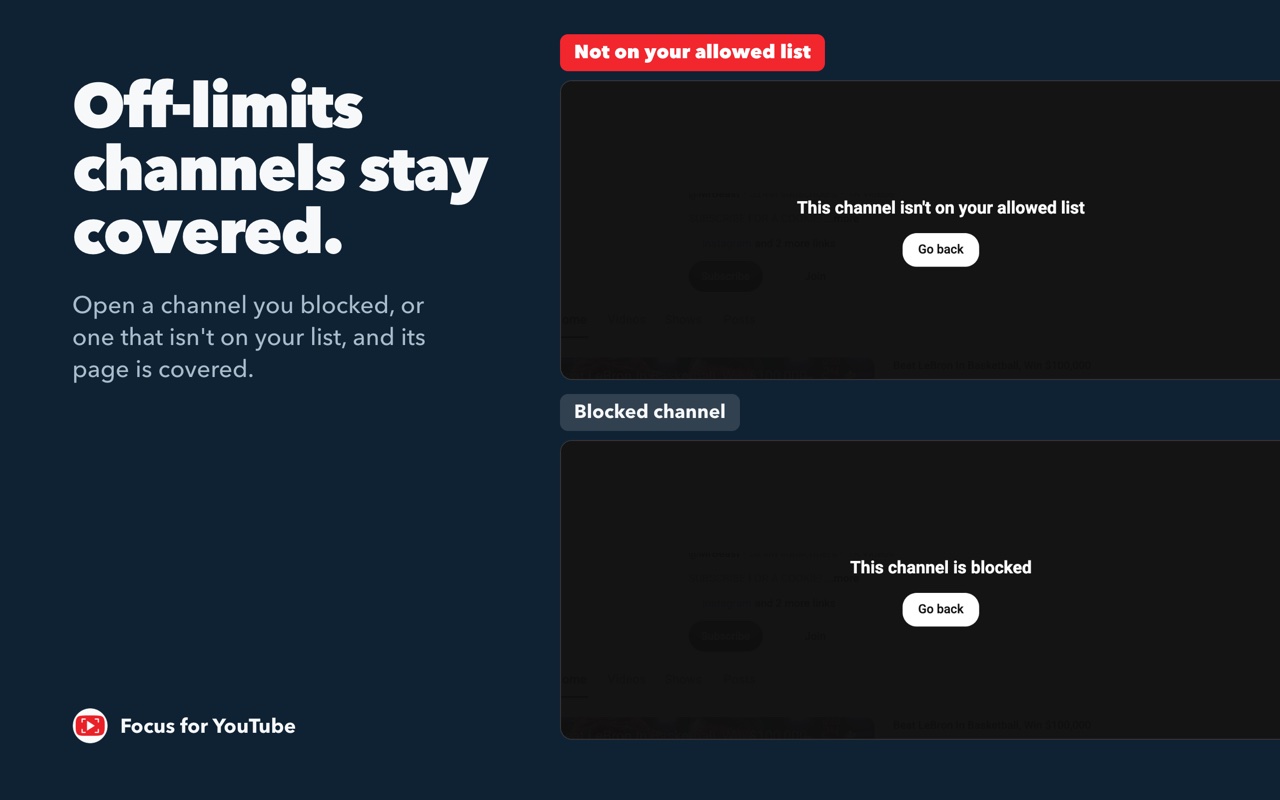
Focus keeps a list on your device. A channel on it is hidden, its channel page is covered, and a video you open from it is paused.
How the blocklist works
- Add a channel by link, @handle or name
- Press “Add to list” on any video or channel page
- Paste a whole list at once
- Open a blocked channel and its page is covered with “This channel is blocked”; its video is paused
- Search, copy or clear your list at any time. It is stored in your browser
- Prefer the opposite? Switch to “Only these” and see only the channels you chose
Set up in under a minute.
- Add Focus to Chrome from the Web Store.
- Open the extension, go to Channels and choose Block.
- Add the channel by link, @handle or name, or press “Add to list” on any video.
Questions.
Does the list sync to my YouTube account?
No. The list lives in your browser. YouTube is not told about it.
Can I block many channels at once?
Yes. Paste a whole list into the Channels tab.
Can I see only some channels instead of blocking others?
Yes. Switch the filter to “Only these” and add the channels you want. Everything else is hidden. That is the setup on the study page.
Does it send my list anywhere?
No. There is no account and no analytics. The list stays on your device.
More ways to clean up YouTube.
Add it to Chrome. It is free.
YouTube changes its layout often. If something stops working after an update, write to kirgoldman1@gmail.com.