Focus for YouTube / Turn off YouTube autoplay
Turn off YouTube autoplay. Keep it off.
When a video ends, the next one starts. Focus turns autoplay off and hides the things built to keep the chain going.
Free Chrome extension. No account, no analytics, everything stays in your browser.

The autoplay toggle is only part of it.
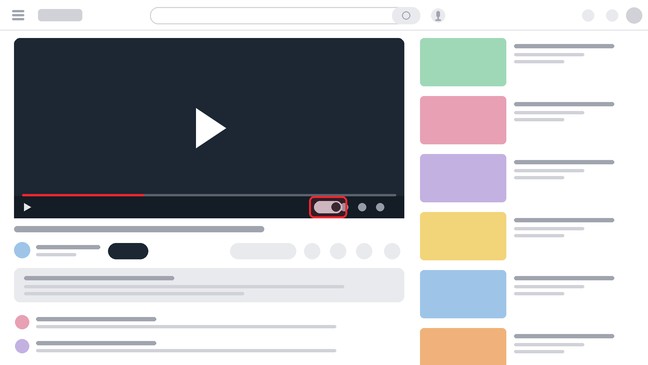
YouTube has an autoplay toggle in the player. It has to be set again on a new browser or profile, or when you are signed out, and the page still lines up the next video in a list beside the player.
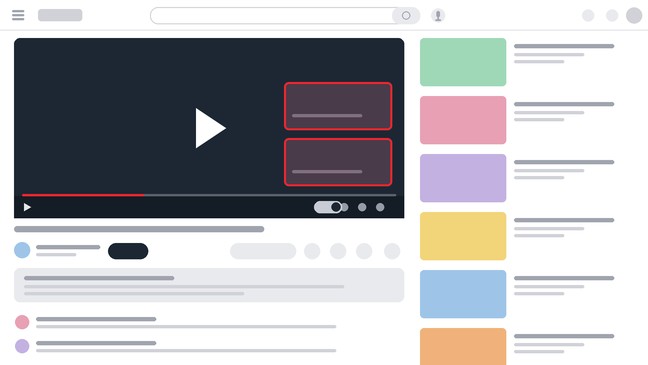
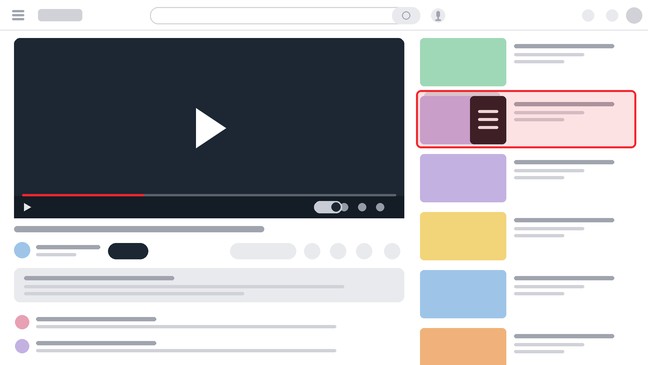
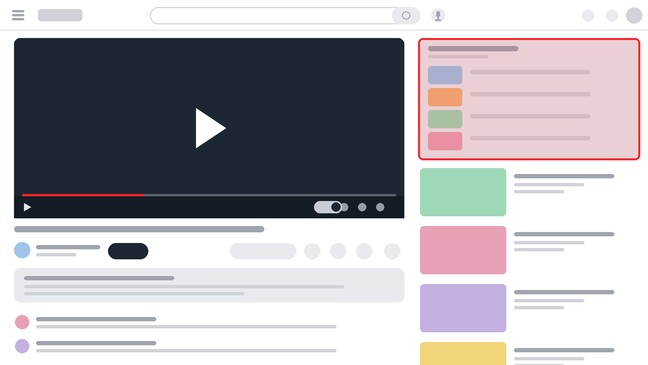
Focus turns autoplay off and takes away what makes the next video one click away: end cards, the playlist panel and Mix playlists.
What changes
- Autoplay is turned off
- End cards at the end of a video are hidden
- Mix playlists are hidden, so a video does not turn into an endless playlist
- The playlist panel next to a video can be hidden
- Recommended videos next to the player can be hidden
Set up in under a minute.
- Add Focus to Chrome from the Web Store.
- Open the extension, expand Video page and switch on “Disable autoplay”.
- Play a video to the end. The next one does not start.
Questions.
Does it work when I am signed out?
It works on youtube.com with or without a YouTube sign-in. Focus itself needs no account.
Does it change my YouTube account settings?
Focus works in your browser and does not need access to your YouTube account.
Can I keep autoplay for one session?
Pause Focus for 15 minutes or an hour, or switch the autoplay switch off.
Is it free?
Yes. There is no account, no ads and no analytics.
More ways to clean up YouTube.
Add it to Chrome. It is free.
YouTube changes its layout often. If something stops working after an update, write to kirgoldman1@gmail.com.