Focus for YouTube / Hide YouTube recommendations
Hide YouTube recommendations. End the rabbit hole.
One video becomes ten because the page keeps offering the next one. Focus removes the offers: the home feed, the recommended list and the end cards.
Free Chrome extension. No account, no analytics, everything stays in your browser.

Every part of the page offers one more.
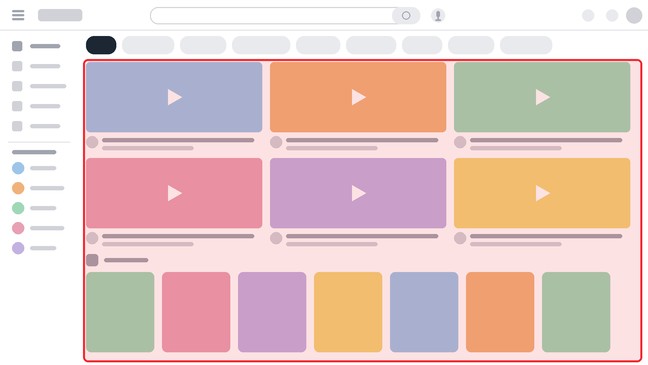
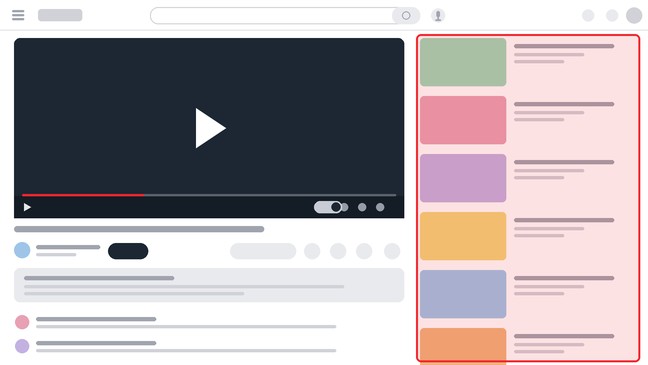
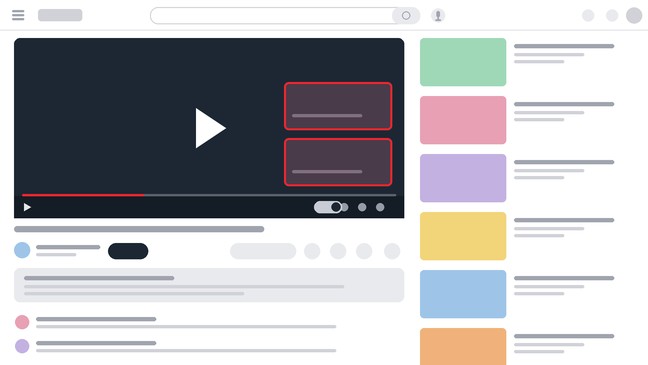
The home feed, the list beside the video, the cards at the end, the Mix playlists and the autoplay countdown all do the same job. They hand you the next video before you decided you wanted one.
Each switch in Focus hides exactly one of these. Point at a switch and the extension shows a picture of what it removes before you flip it.
What you can switch off
- The home feed is hidden, or YouTube opens on Subscriptions instead of Home
- Recommended videos next to the video are hidden
- End cards and info cards are hidden
- Topic chips and Mix playlists are hidden
- Autoplay is turned off
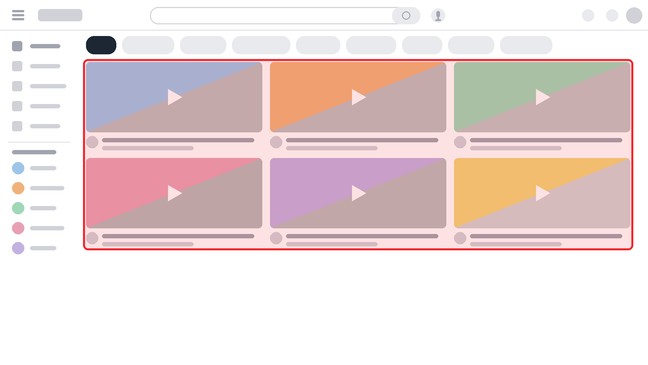
- Black-and-white thumbnails make what is left less loud. The video itself keeps its colour
Set up in under a minute.
- Add Focus to Chrome from the Web Store.
- Open the extension and switch on “Hide home feed” and “Hide recommended videos”.
- Reload YouTube and start from Subscriptions, if you picked that option.
Questions.
Will I still see videos from channels I subscribe to?
Yes. The Subscriptions page keeps working. It is where YouTube opens if you choose “Open Subscriptions instead of Home”.
Can I still search?
Yes. Search works as before. Only the suggestions are hidden.
Does it change my YouTube account or watch history?
No. Focus hides parts of the page in your browser. It does not change your account settings.
What if YouTube changes its layout?
YouTube changes its pages often. If something comes back after an update, write to kirgoldman1@gmail.com and it gets fixed.
More ways to clean up YouTube.
Add it to Chrome. It is free.
YouTube changes its layout often. If something stops working after an update, write to kirgoldman1@gmail.com.