Focus for YouTube / Hide YouTube comments
Hide YouTube comments. Keep the video.
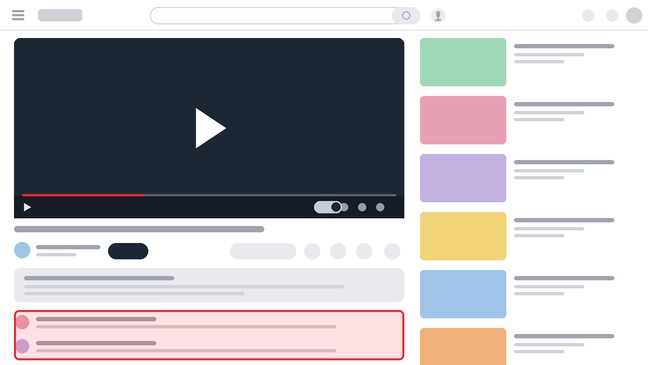
Comments pull you into arguments you did not plan to have. One switch removes them, and the rest of the video page stays as it is.
Free Chrome extension. No account, no analytics, everything stays in your browser.

Creators can close comments. Viewers cannot.
If you would rather not read the comments under a video, YouTube has no setting for that. They sit under every video and invite one more scroll.
Focus has a separate switch for comments and others for the parts around them, so you can strip the video page down as far as you like.
What you can hide on the video page
- Comments
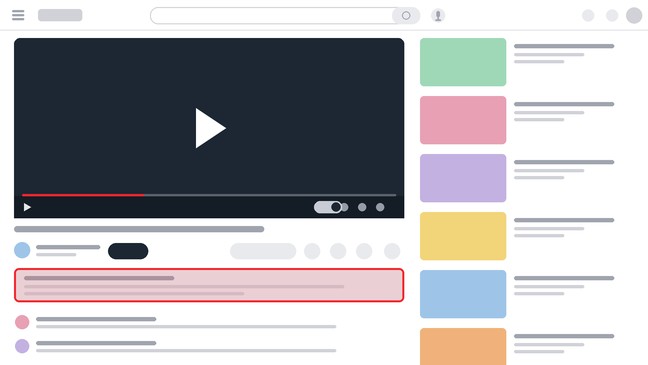
- The description box
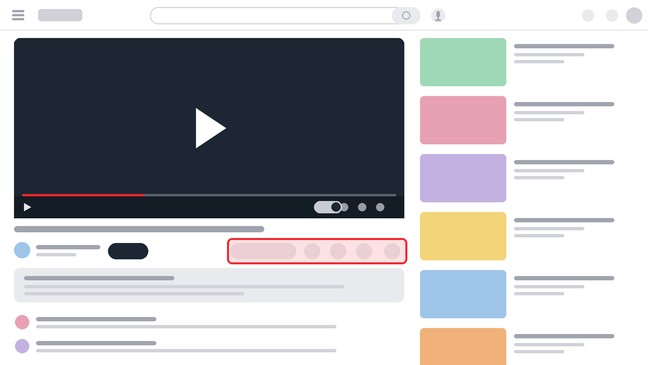
- Like, share and the other action buttons
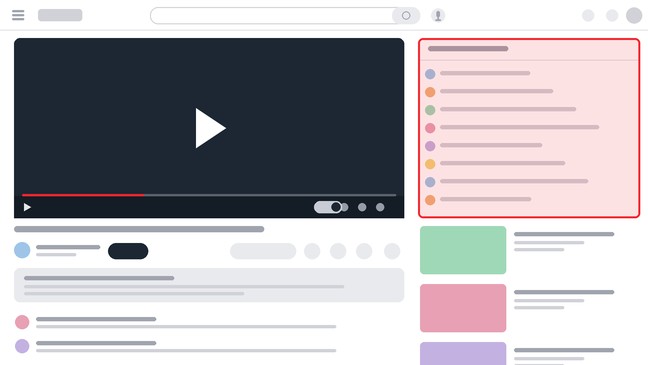
- Live chat on live streams
- Each one is its own switch. “Hide all” in the Video page block switches the whole block on or off at once
Set up in under a minute.
- Add Focus to Chrome from the Web Store.
- Open the extension, expand Video page and switch on “Hide comments”.
- Reload a video page. The comments are gone.
Questions.
Can I bring comments back for one video?
Pause Focus for 15 minutes or an hour, or switch the comments switch off. Everything you paused comes back by itself.
Does Focus read or collect comments?
No. It hides part of the page in your browser. Nothing is read or sent anywhere.
Can I hide only comments and keep everything else?
Yes. Every switch is separate, so you can hide comments alone.
Is it free?
Yes. There is no account, no ads and no analytics.
More ways to clean up YouTube.
Add it to Chrome. It is free.
YouTube changes its layout often. If something stops working after an update, write to kirgoldman1@gmail.com.