Focus for YouTube / Study on YouTube
Study on YouTube without the rest of YouTube.
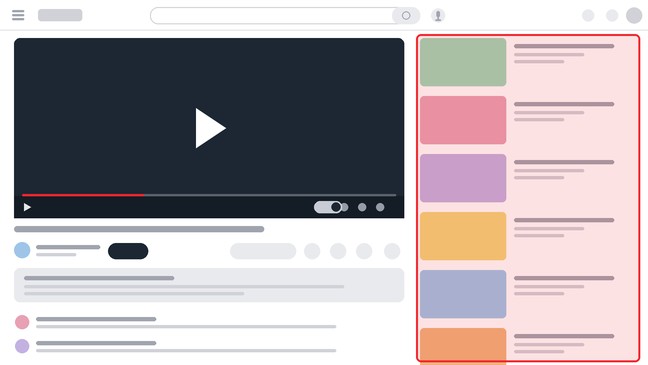
You came for one lecture. Focus lets through only the channels you chose and hides the feed, the recommendations and the Shorts around them.
Free Chrome extension. No account, no analytics, everything stays in your browser.

The lecture is on YouTube. So is everything that pulls you away.
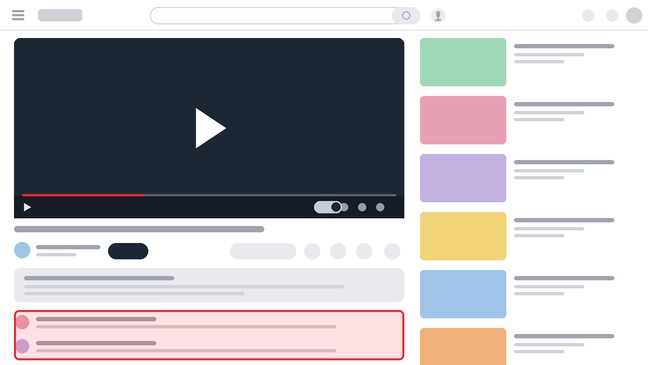
A good course is on YouTube, and so is everything that is not the course: the recommended video beside it, the comments, Shorts in the menu, a home feed one click away.
Willpower loses to a page built to keep you there, so Focus changes the page. You decide which channels exist for you right now. The others are not shown.
How the Study setup works
- Allowlist: only the channels you pick appear. Videos from other channels disappear from search results, and their Shorts are hidden too
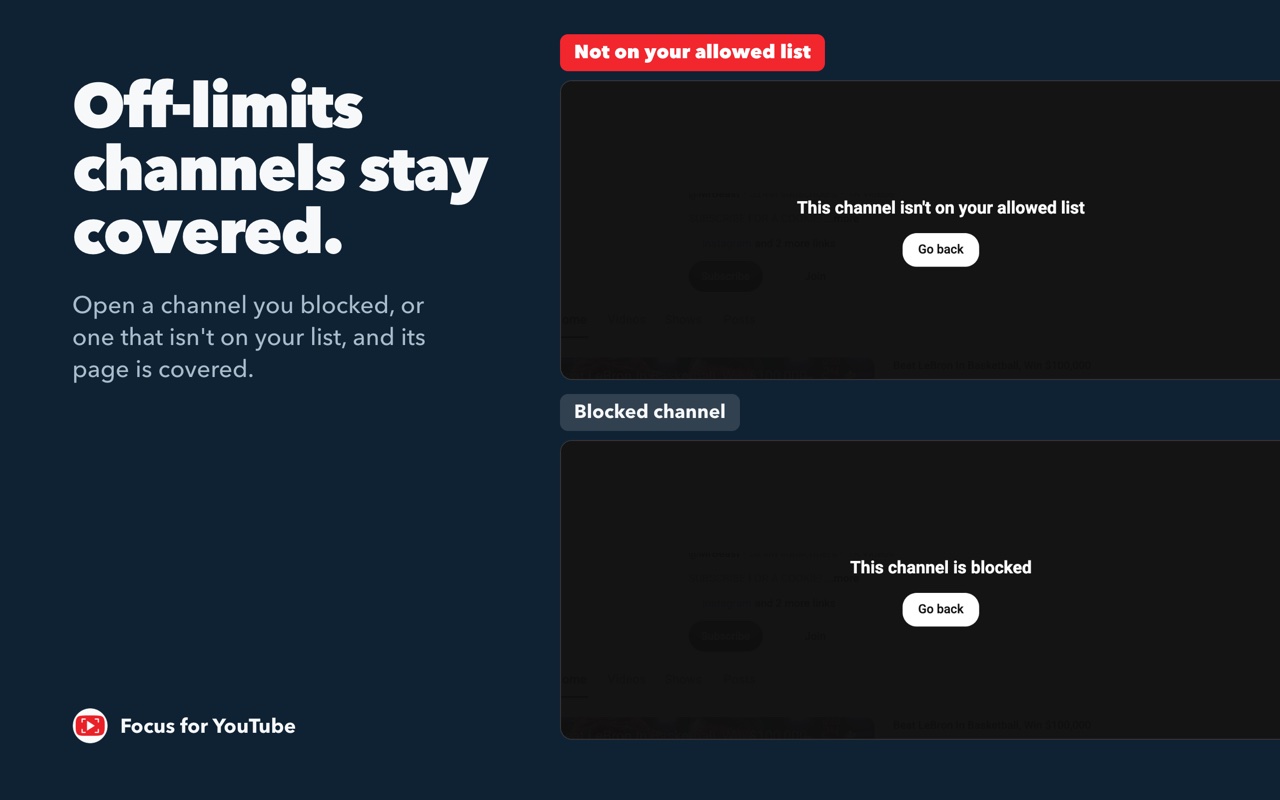
- Open a channel that is not on your list and its page is covered with “This channel isn’t on your allowed list”
- The Study preset in one click: Shorts, the home feed, topic chips and Mix playlists go away, and YouTube opens on Subscriptions instead of Home
- Add every channel you subscribe to in one click, or paste a list of your course channels
- Need a break? Pause for 15 minutes or an hour and everything comes back by itself
Set up in under a minute.
- Add Focus to Chrome from the Web Store.
- Open the extension and pick the Study preset.
- In Channels choose “Only these” and add your channels, or add everything you subscribe to.
Questions.
Can I add all my subscriptions at once?
Yes. One click adds every channel you subscribe to. You can remove the ones you do not want for studying.
What if I need another channel later?
Add it by link, @handle or name in the Channels tab. You can also paste a whole list.
Does it work for work videos, not only study?
Yes. It is the same setup for product demos, conference talks or tutorials: pick the channels, hide the rest.
Is it free and private?
It is free. There is no account, no ads and no analytics. Your lists stay in your browser.
More ways to clean up YouTube.
Add it to Chrome. It is free.
YouTube changes its layout often. If something stops working after an update, write to kirgoldman1@gmail.com.